Seamless white backdrop
Ask for a true white sweep or infinity wall so the product sits in a catalog-ready field, not a gray muddle.
Clean listings, faster
Create a white background product photo for PDPs, ads, and marketplaces. ProductPhoto keeps edges, labels, and contact shadows believable while the backdrop stays pure.
Built for listing grids
A clean isolation is more than a knockout. You still need accurate color, a grounded shadow, and a crop that matches the rest of the catalog.
Ask for a true white sweep or infinity wall so the product sits in a catalog-ready field, not a gray muddle.
Keep a soft shadow under the base so the object does not look cut out and pasted.
Protect logo, label type, and color so the final frame still identifies the SKU.
Across product categories
One isolation brief can cover furniture, beauty, and accessories if you name materials and the shadow you want.
Home
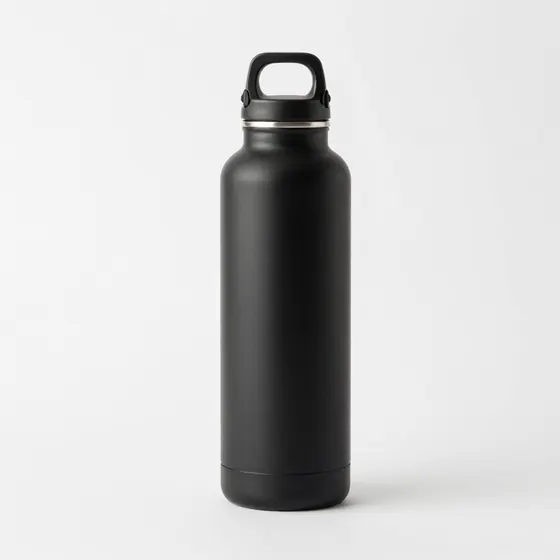
Hold proportions and finish while isolating a stool, lamp, or tabletop SKU on white.
Beauty
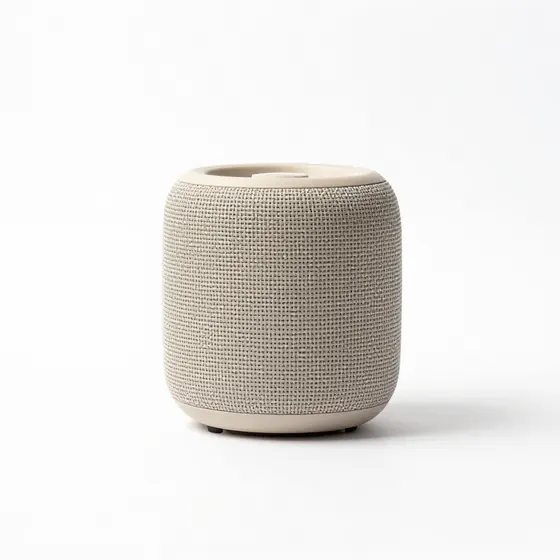
Keep glass, pump, and print sharp against a seamless white field.
Accessories
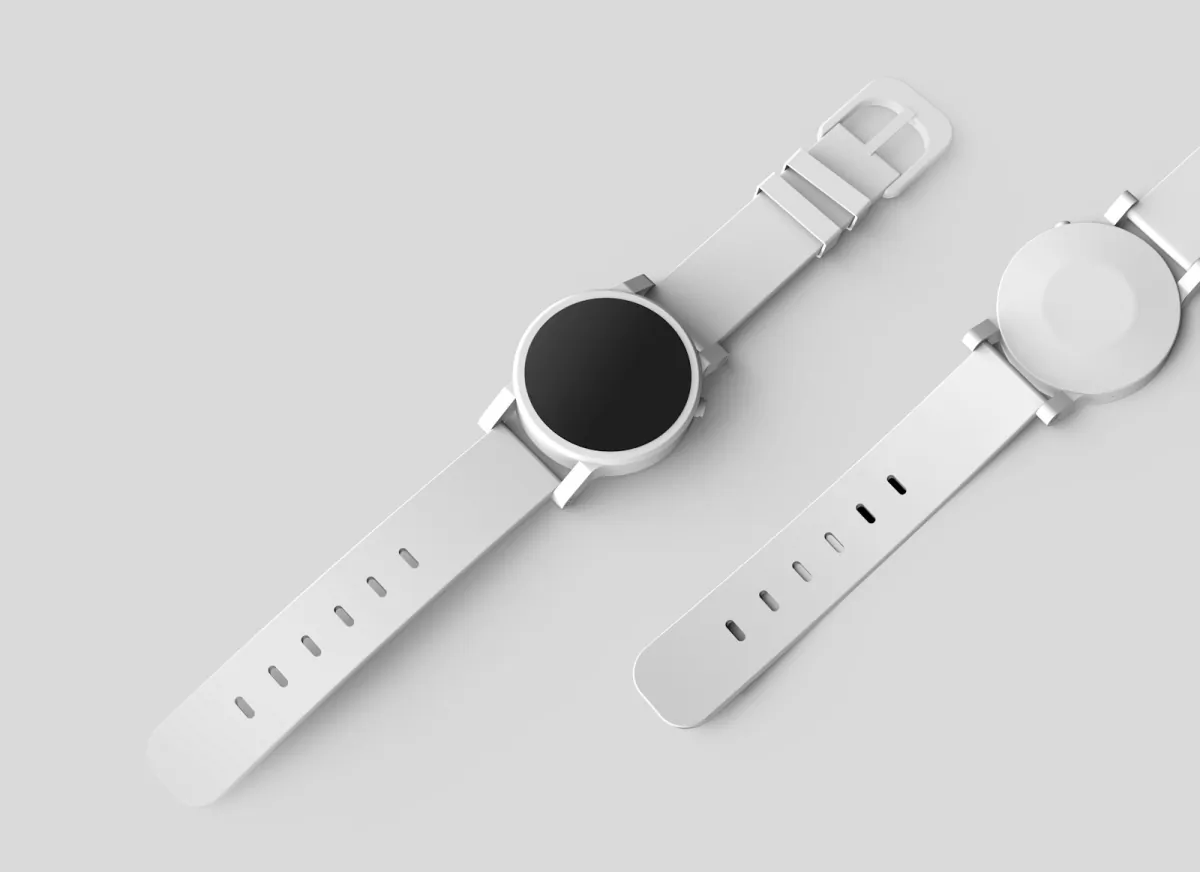
Preserve metal and glass highlights while removing busy sets behind the product.
Simple workflow
ProductPhoto treats isolation as a controlled studio task: name the SKU, demand white, and protect the details shoppers use to recognize it.
01
Include shape, materials, label text, and the camera height you want on the PDP.
02
Say seamless white, hex white, or catalog sweep, plus whether you want a soft contact shadow.
03
Review fringing, gray backgrounds, and label characters before you export the listing crop.
Prompt recipes
A strong prompt names the backdrop first, then lists the product details that must not change.
Useful for main listing images.
Useful when the product needs a hint of surface.
Useful for zoom modules and material callouts.
One isolation, more placements
Once the isolation is clean, you can crop it for grids, ads, and print sheets without reshooting.
Match square thumbs so similar SKUs line up in search results.
Pair a hero isolation with detail crops that still sit on white.
Keep a consistent white-background isolation style across line sheets and wholesale catalogs.
Built for catalog isolation
Generic background removers often leave gray edges. ProductPhoto builds a full studio frame, then lets you continue in the workspace.
Prompt for a seamless white sweep so the file keys cleanly in a listing template.
Keep a soft contact shadow so the SKU does not float.
Start with a prompt here, then generate and refine the frame in the ProductPhoto workspace.
Common questions
Practical answers for teams that need clean marketplace, catalog, and advertising isolations.
It places the SKU on a clean white field, usually with a soft shadow, so shoppers can compare items quickly.
Not always. A cutout can look pasted. A full studio isolation includes light, clean edges, and a grounded shadow.
Ask for a sharp label and compare every character with approved packaging before you publish.
Prompt for the fill, crop, and shadow the channel wants, then check that marketplace's current image policy.
No. Describe the isolation in plain language and generate the finished frame in the studio.
Say seamless white or #FFFFFF and reject outputs that look like light gray paper.
Yes for most catalogs. A soft contact shadow looks more physical than a hard cutout.
Yes. Continue in the workspace, upload the source, and ask to replace only the background with white.
Yes. The generate button opens the studio. Credits or plan limits may apply after the trial.
Match the channel: square for many grids, portrait for some ads, and extra margin for templates that add badges.
Review ProductPhoto terms, your brand rights, and marketplace rules before publishing.
It opens the ProductPhoto studio with your isolation brief filled in, not a pricing-only page.
Make the next isolation from a prompt
Describe the SKU, demand a clean white field, and finish the image in the studio.