Packaging and label clarity
Keep the container shape, closure, colors, logo position, and approved label artwork visible enough for product review.
Consistent catalog images at scale
Create a product packshot for every catalog angle and SKU variant. Direct packaging, label visibility, camera position, crop, and lighting so your product range follows one visual system.
Built for repeatable catalog work
A strong product packshot documents the item clearly and fits the rest of the range. Control the packaging view, camera angle, spacing, and light, then check every commercial detail before publishing.
Keep the container shape, closure, colors, logo position, and approved label artwork visible enough for product review.
Define front, three-quarter, side, or detail views with a repeatable camera height and product scale.
Reuse the same crop, light, shadow, and spacing rules so variants remain easy to compare in a grid.
One system across the range
Packshot requirements change with materials and shape. Give each category the view shoppers need while keeping the overall catalog treatment consistent.
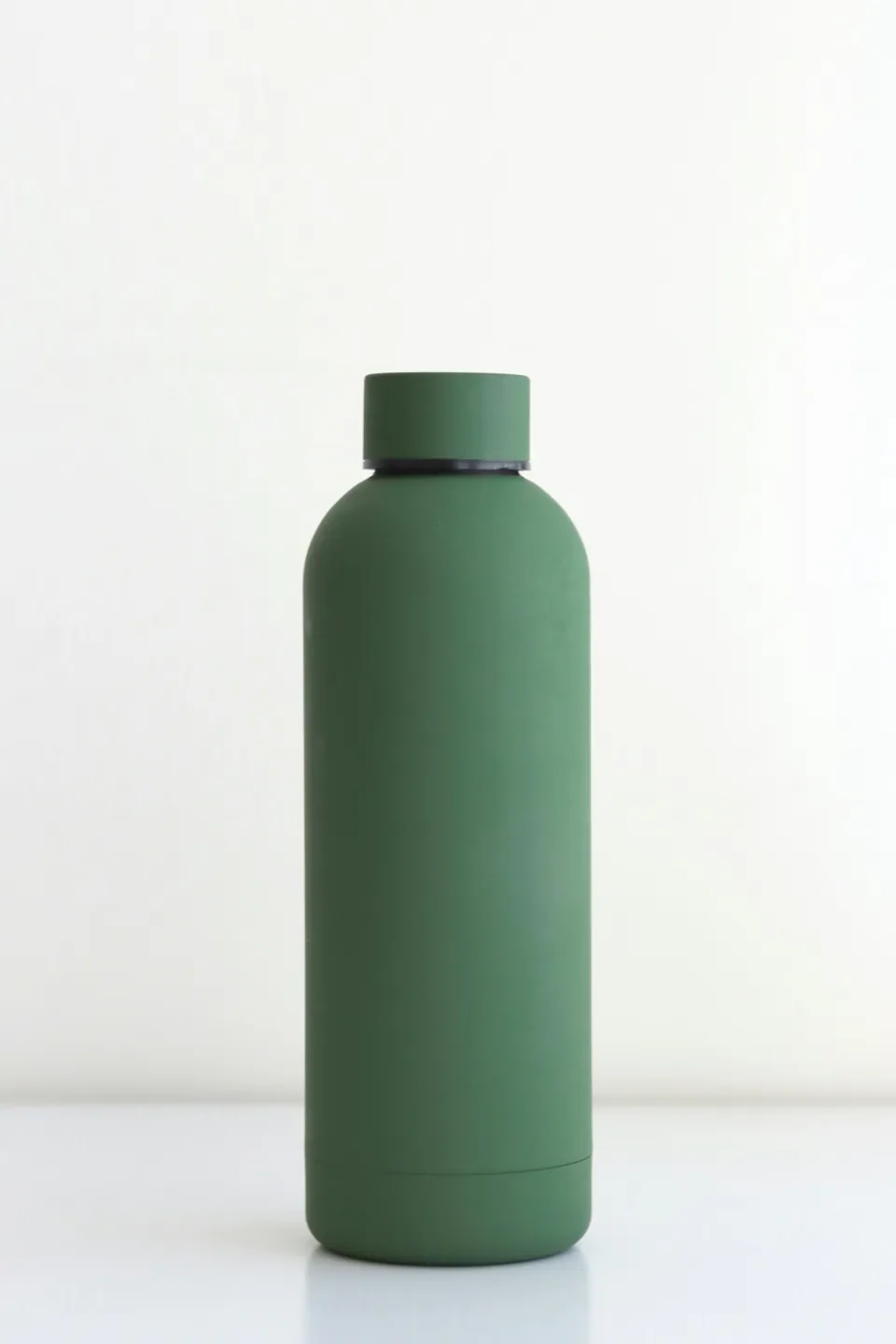
Bottles and packaging
Balance glass reflections, closure details, and readable packaging without losing the product silhouette.
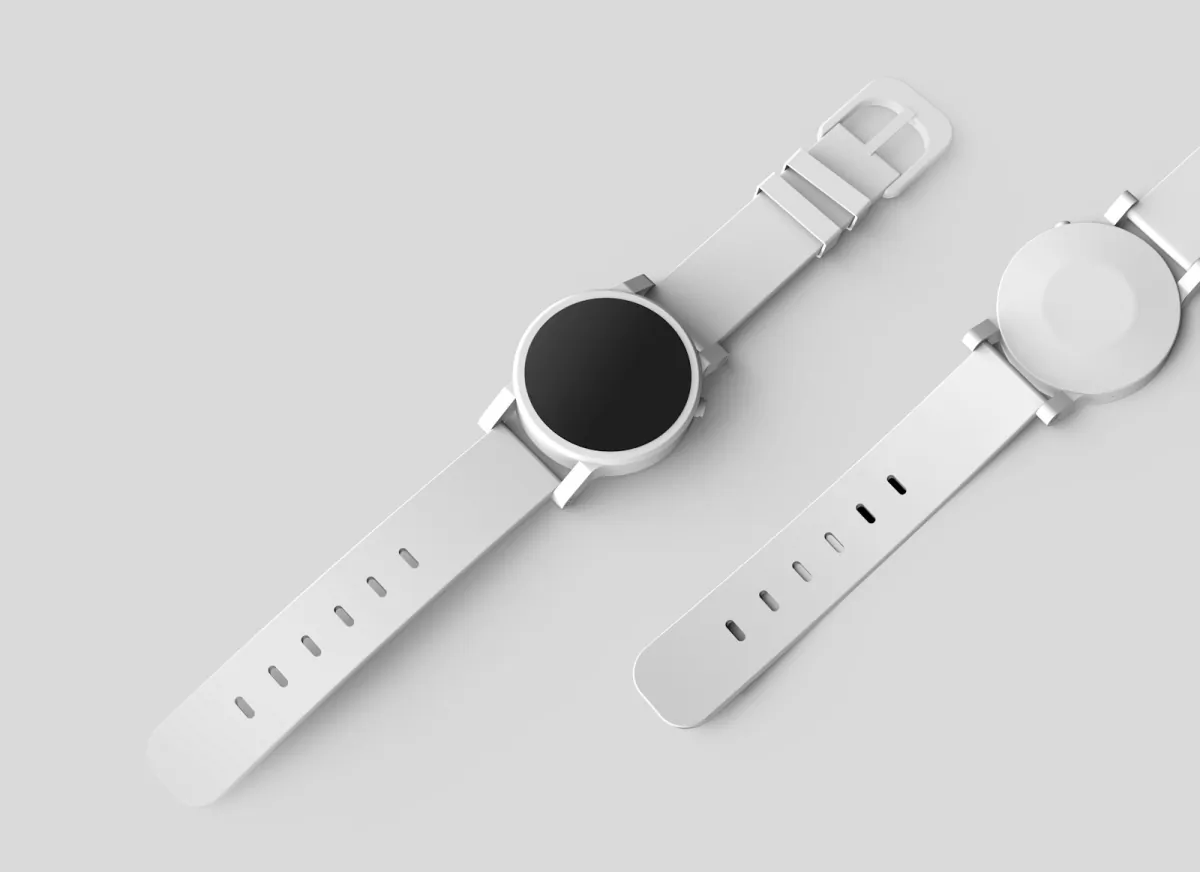
Watches and accessories
Show the face, hardware, finish, and depth in one controlled catalog frame.
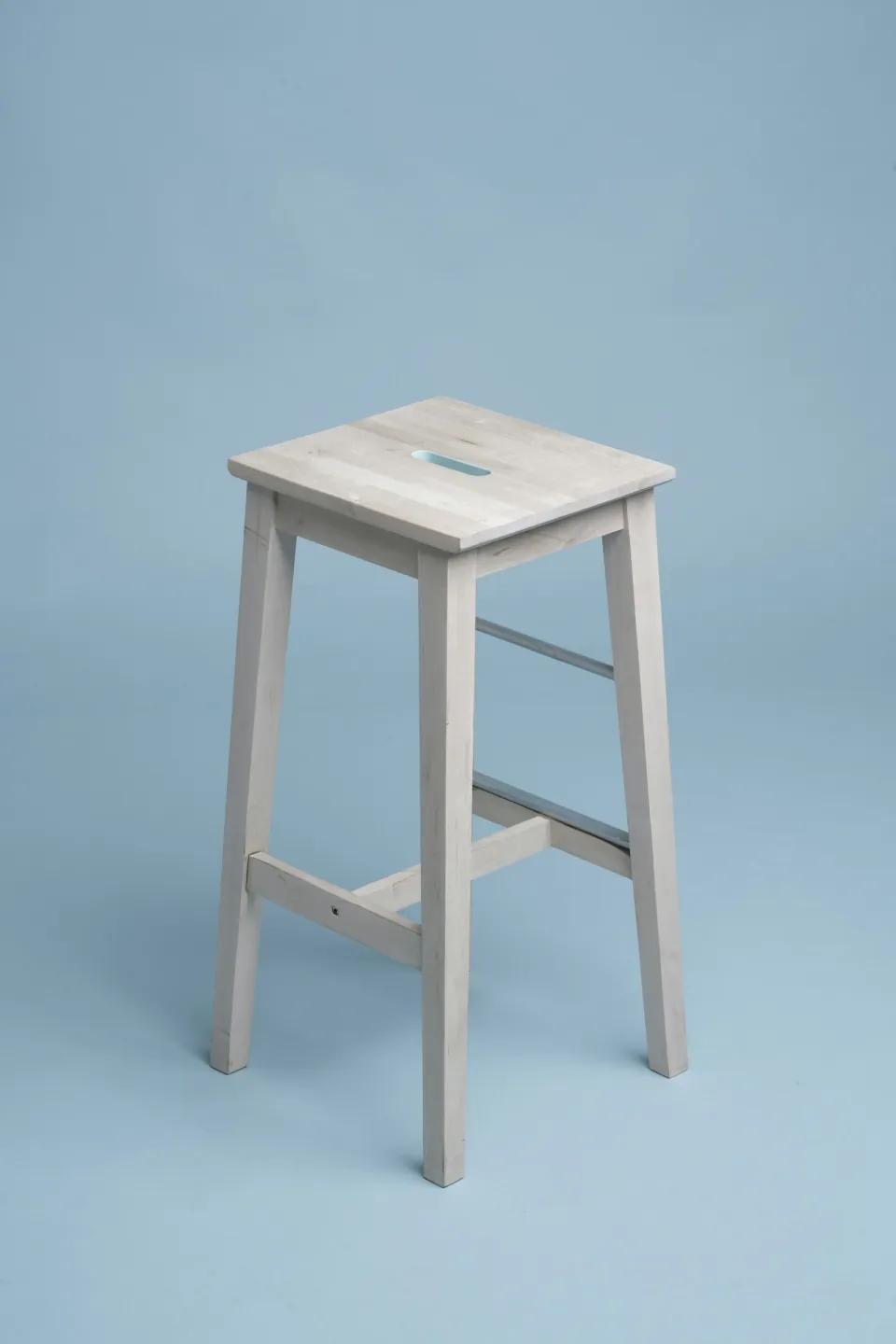
Furniture and homeware
Keep proportions, materials, and camera height aligned across objects with very different dimensions.
A controlled packshot workflow
Treat each product packshot as part of a shot list. Define what identifies the SKU, set the catalog view, and review the output beside the rest of the range.
01
Name the product shape, materials, packaging colors, label position, closure, and any detail that must remain recognizable.
02
Specify camera angle, product scale, crop, background, light direction, and shadow treatment for the catalog.
03
Compare label detail, geometry, margins, and angle across views and variants before using the images commercially.
Prompt recipes
A useful product packshot prompt separates fixed SKU details from the shot standard. Reuse the camera and lighting language across the range, then replace only the product description.
For labels, cartons, bottles, and retail packaging.
For products whose depth and side details matter.
For planning a repeatable look across product variants.
Catalog assets with a clear job
Build packshots around how buyers inspect and compare products. The same visual system can support PDP galleries, range sheets, and marketplace catalogs.
Combine a clear hero view with alternate angles and detail crops that explain packaging, finish, and scale.
Align product size, margins, angle, and background treatment so buyers can scan an entire range quickly.
Prepare consistent product frames, then verify each file against the current image rules of its marketplace.
Built around catalog direction
ProductPhoto turns a product packshot brief into a directed studio workflow. State the product details and repeatable shot rules, open the workspace, and refine the image before it enters your catalog.
Use the same angle, camera height, lighting, spacing, and shadow direction when briefing each SKU.
Call out packaging, label, color, material, and geometry that must be checked against the approved product.
Start the packshot brief here, then open the ProductPhoto workspace to generate, review, and refine.
Common questions
Practical answers for ecommerce and catalog teams planning product packshots across angles, channels, and SKU ranges.
A product packshot is a clear commercial image that documents the SKU, packaging, and selling details for a PDP, catalog, marketplace, or range sheet.
White background describes the backdrop. A packshot describes the commercial job and can include multiple angles, detail views, packaging checks, and a consistent catalog system.
A packshot prioritizes clear product inspection. Lifestyle product photography adds people, props, locations, and a campaign story around the SKU.
A detailed prompt helps, but packaging text must be compared character by character with approved artwork before commercial use.
Yes. Write separate briefs for front, three-quarter, side, back, and detail views while repeating the same camera and lighting rules.
Reuse one shot standard for camera height, angle, scale, margins, light, and shadow, then review variants beside one another.
Yes. Open the workspace, upload the source, and describe the catalog view or controlled change you need around the existing product.
Yes. Match the crop, background, and product coverage requested by the channel, then verify the file against its current image policy.
No. Plain-language direction works. Camera angle, light direction, crop, and the details that must stay fixed make the brief more precise.
Include the product, packaging, label view, materials, camera angle, background, lighting, crop, and any approved details that must not change.
Review ProductPhoto terms, your trademark and packaging rights, and each sales channel's policies before publishing.
It opens the ProductPhoto studio with your product packshot brief filled in so you can continue in the workspace.
Build the next packshot from a clear standard
Describe the SKU, angle, packaging details, and catalog treatment, then continue the image in the ProductPhoto studio.