Real-world context
Place the product in a bathroom, kitchen, street, studio set, or travel moment that gives shoppers an immediate use case.
Products placed in the real world
Create lifestyle product photography that puts your SKU in a believable moment. Direct the people, props, lighting, location, and brand mood for PDPs, ads, and social campaigns.
Context that helps products sell
Lifestyle product photography shows where a product belongs, who it is for, and how it should feel. Build the setting around the SKU while keeping packaging, color, and proportions recognizable.
Place the product in a bathroom, kitchen, street, studio set, or travel moment that gives shoppers an immediate use case.
Direct hands, models, surfaces, and supporting objects without letting them compete with the product.
Use light, palette, styling, and camera language so the final images feel consistent with the campaign.
Scenes shaped around the SKU
One contextual product brief can express very different brand worlds. Keep the product fixed, then direct the setting for beauty, fashion, or accessories.
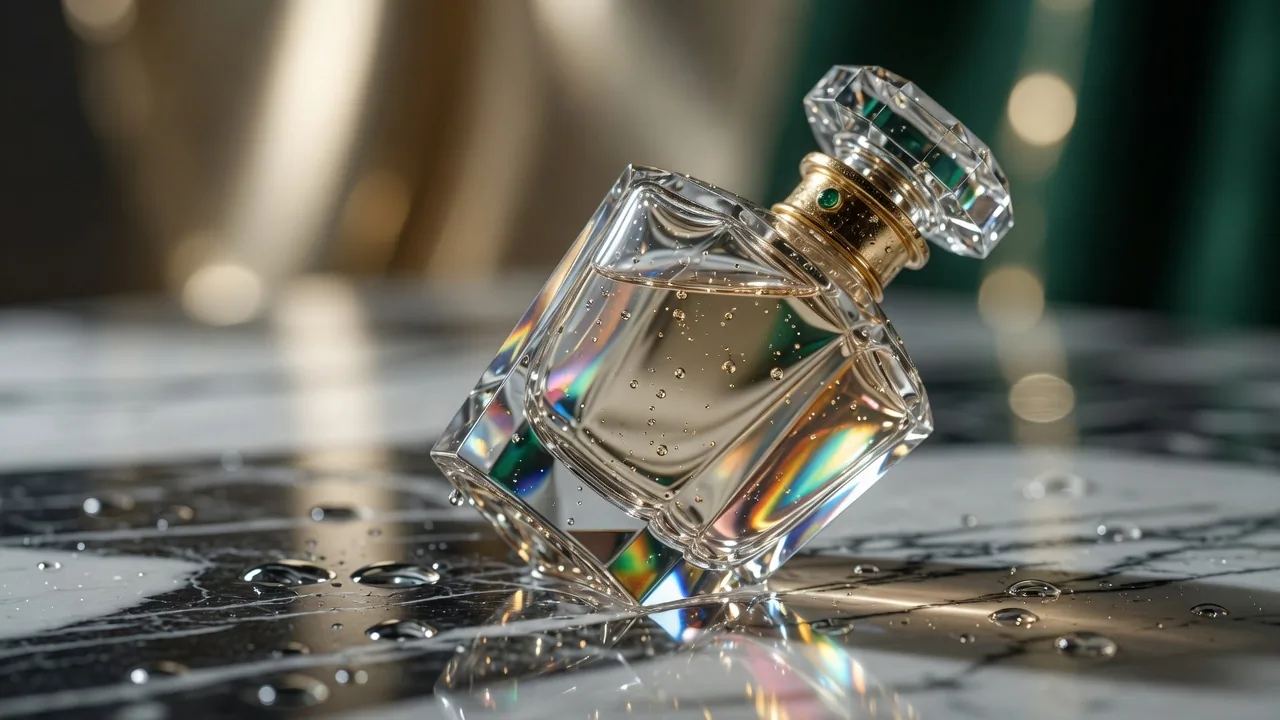
Perfume and beauty
Pair glass, skincare, or fragrance packaging with tactile materials and controlled reflections for a premium mood.
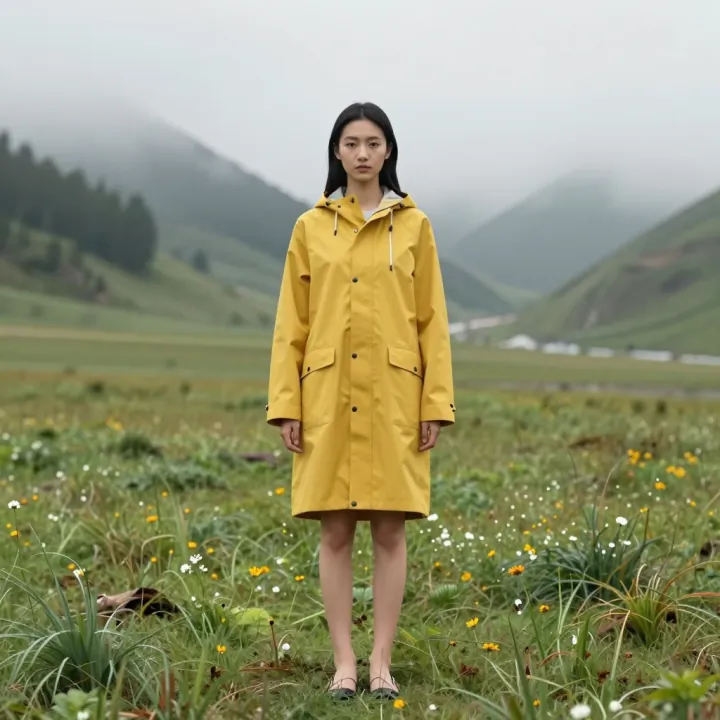
Fashion with people
Use pose, wardrobe, gesture, and location to show how the product fits a customer's day.
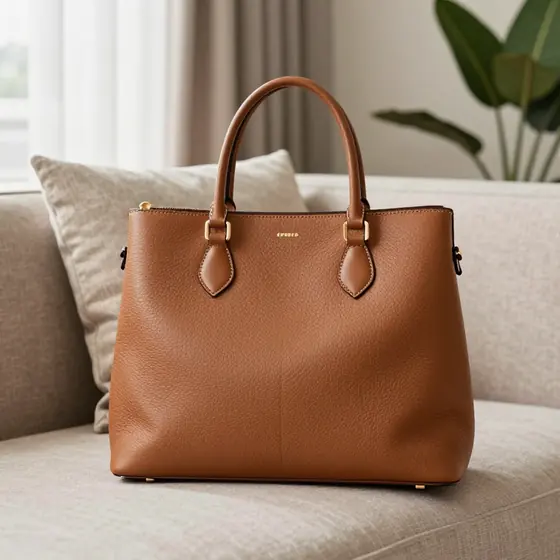
Bags and accessories
Stage a bag, watch, or wearable with believable scale, purposeful props, and room for campaign copy.
A directed creative workflow
Treat the assignment like a concise shoot brief. Define the product first, direct the world around it, then review the result against your SKU and brand guide.
01
Name the shape, materials, packaging, logo position, and colors that should remain true to the SKU.
02
Choose a location, person or hand, props, lighting direction, camera angle, and the emotion the frame should carry.
03
Check anatomy, reflections, text, scale, and edges before placing the image on a PDP or in an ad.
Prompt recipes
Strong lifestyle product photography prompts separate the product invariants from the scene direction. Start with one of these briefs, then replace the product details with your own.
For fragrance, skincare, and cosmetic PDP images.
For social ads and human-led campaign creatives.
For PDP galleries that need believable context.
Creative for each placement
Plan each contextual product image around the job it has to do. A PDP needs clarity, an ad needs a fast idea, and social creative needs a frame that reads instantly.
Show scale, use, and environment after the clean packshot so shoppers understand the product in context.
Build a focused scene with one visual message and intentional negative space for headlines or offers.
Direct vertical, square, or editorial compositions that feel native to the feed while staying on-brand.
Creative control without a physical set
ProductPhoto turns contextual product imagery into a directed studio workflow. Describe the commercial frame you need, open the workspace, and refine the scene around the product.
Brief the location, people, props, light, palette, and crop in the same language you would use with a photographer.
State what cannot change so the campaign world supports the product instead of redesigning it.
Start the brief on this page and continue in the ProductPhoto workspace to generate and refine the image.
Common questions
Practical answers for ecommerce and creative teams planning real-world product scenes for PDPs, ads, and social campaigns.
It shows a product in a believable setting, often with people or props, so shoppers can understand its use, scale, and brand mood.
A packshot isolates the SKU for clear inspection. Lifestyle imagery adds a setting and narrative; strong PDPs often use both.
Yes. Describe age range, pose, gesture, wardrobe, framing, and the way the person interacts with the product, then inspect anatomy before publishing.
Choose a small number of props that explain use or reinforce the brand palette. State which object must remain the visual focus.
Yes. Include your lighting style, palette, materials, camera language, and mood references in the brief, then compare results with your brand guide.
Naming geometry, packaging, label placement, materials, and color helps. Review every output against the approved product before commercial use.
Yes. Use contextual photos after the clear hero image to communicate scale, use, and benefits within the PDP gallery.
Yes. Specify the placement, aspect ratio, focal point, and negative space so the composition has room for campaign copy.
No. Plain-language direction works, but details such as light direction, lens feel, camera height, and crop can make the brief more precise.
Yes. Open the ProductPhoto workspace, upload the source, and describe the scene you want around the existing product.
Review ProductPhoto terms, model or property releases, trademark rights, and each advertising channel's policies before publishing.
It opens the ProductPhoto studio with your brief filled in so you can continue shaping the image in the workspace.
Direct your next product campaign
Describe the people, props, light, and brand mood, then create the campaign image in the ProductPhoto studio.