Main-image isolation
Most categories want a white fill, a large product, and no lifestyle clutter on the primary image.
Marketplace-ready listings
Build an Amazon product photo for the main image, variants, and infographics. ProductPhoto keeps the SKU recognizable while you match the crop and backdrop buyers expect.
Built for listing rules
A marketplace image has to sell in a grid and survive policy checks. Start with a clean hero, then add gallery angles that still show the same SKU.
Most categories want a white fill, a large product, and no lifestyle clutter on the primary image.
Add side, back, scale, and in-use frames so shoppers can inspect the item without leaving the listing.
Keep camera height and crop aligned so color and size variations still look like one family.
Across product categories
Use the same listing process for accessories, beauty, and home: protect identity first, then satisfy the channel crop.
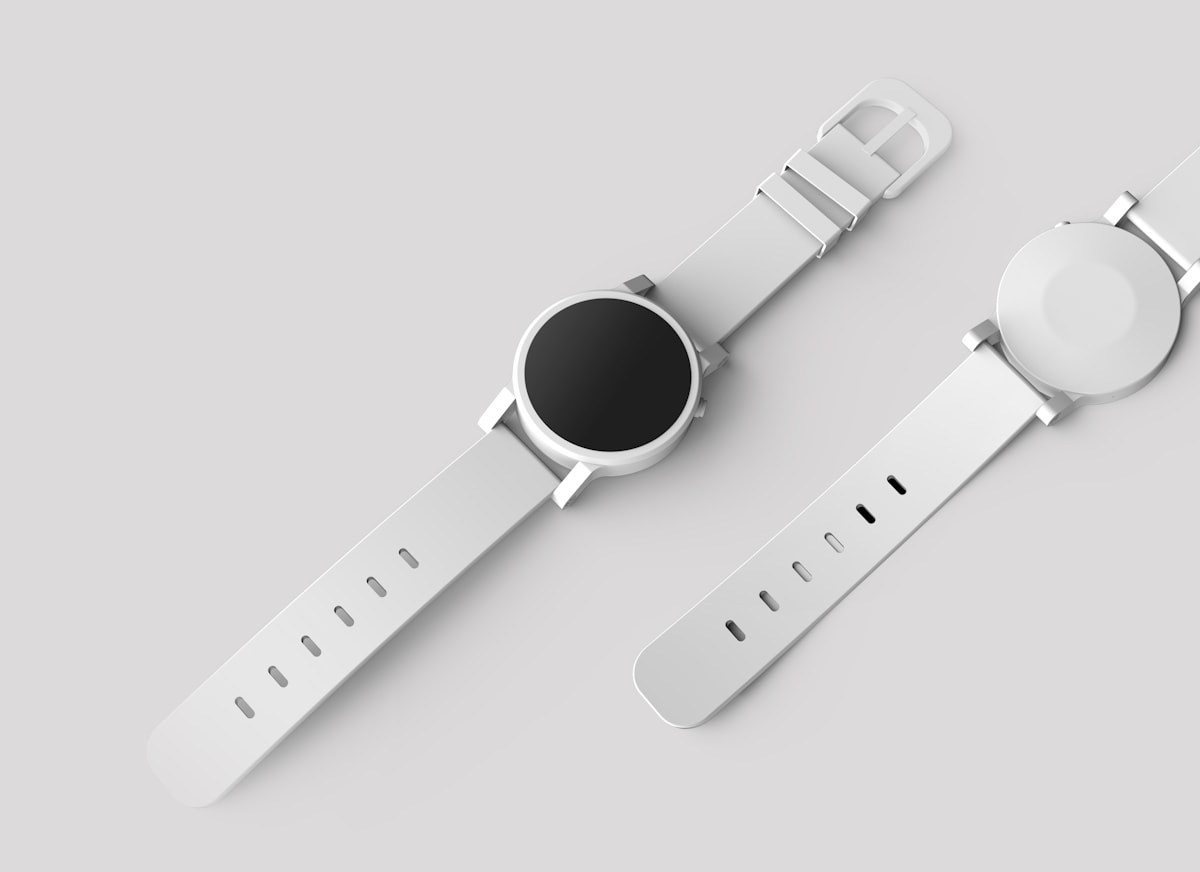
Accessories
Fill the frame with the product, keep materials honest, and leave badges off the hero.
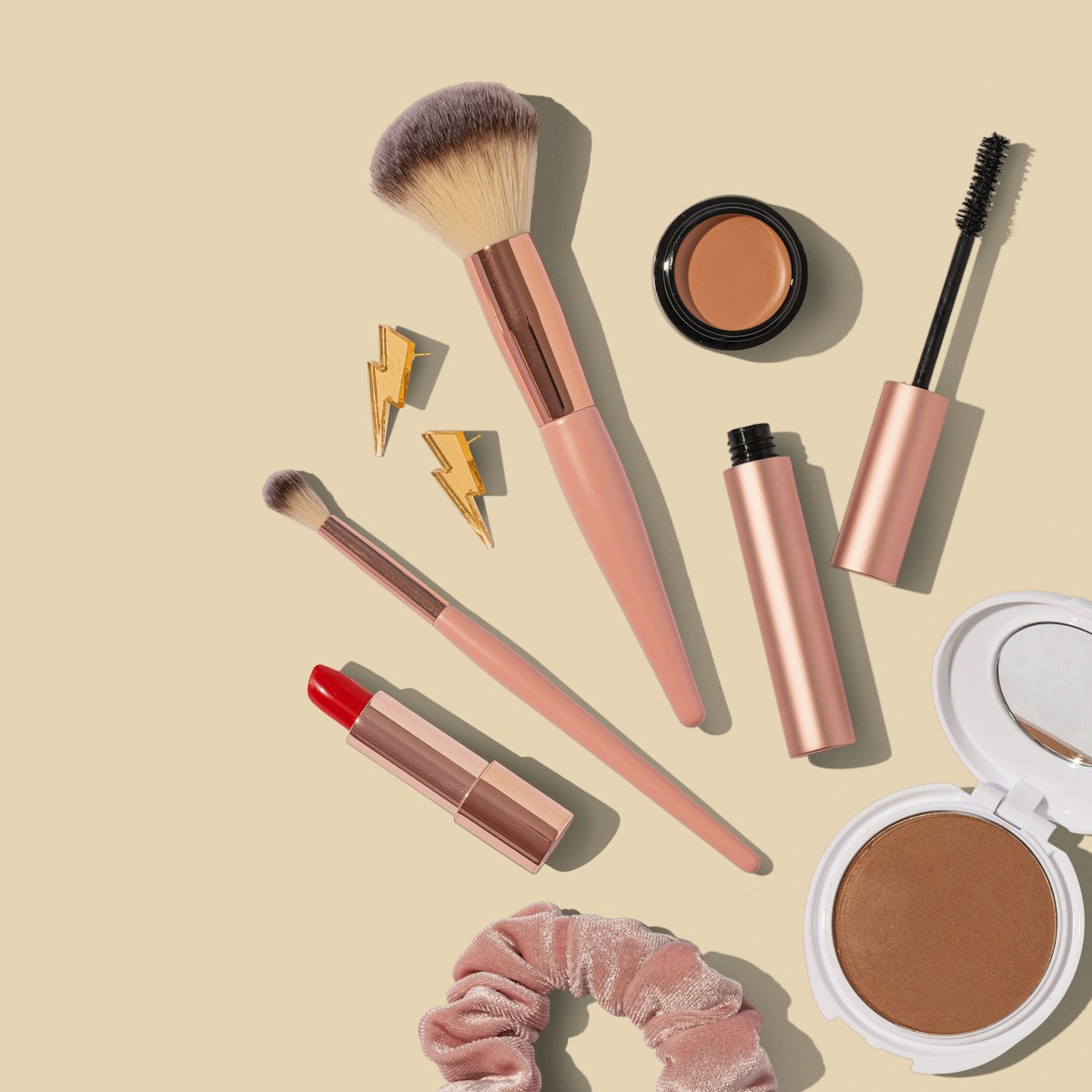
Beauty
Keep print and color accurate for bottles and compacts that shoppers compare side by side.
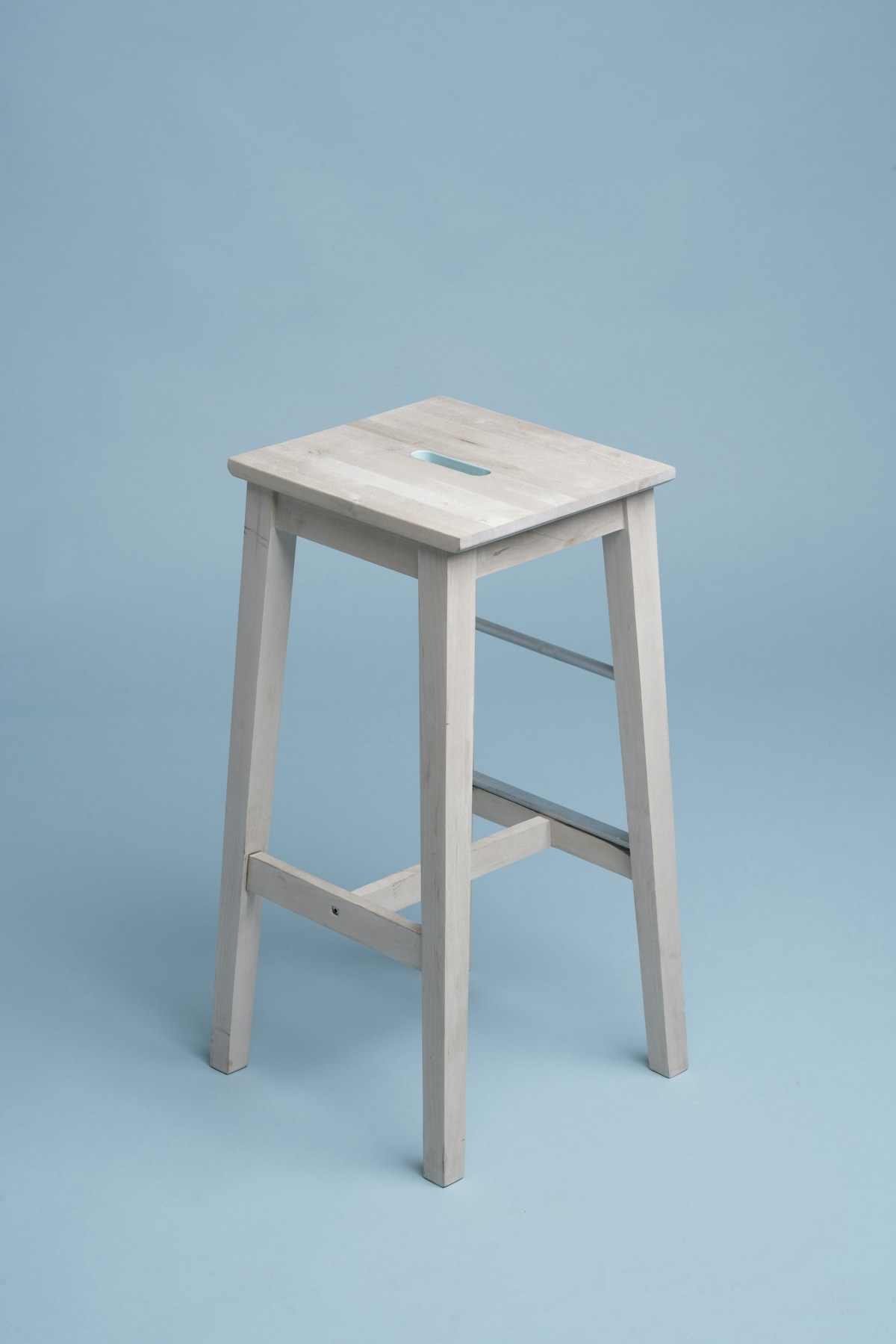
Home
Show true proportions so a stool or lamp does not surprise buyers after checkout.
Simple workflow
Treat each frame as a listing asset: name the SKU, match the background the category expects, and review text overlays before you publish.
01
Include product type, materials, angle, fill ratio, and whether this is the main image or a gallery frame.
02
Ask for white background on the hero unless your category allows lifestyle. Keep logos and badges off the main file.
03
Check crop, edges, and any generated type. Marketplace rules change; confirm the current help page for your category.
Prompt recipes
A useful prompt states the placement first, then locks product identity so variants stay comparable.
Useful for the primary listing thumbnail.
Useful for gallery slides that answer size questions.
Useful when you will add icons later in a layout tool.
One SKU, a full gallery
The hero image is only the start. Build a gallery that answers objections without breaking brand consistency.
A clean, high-fill hero helps the listing read at thumbnail size.
Follow the hero with angles, details, and a simple lifestyle frame if the category allows it.
Reuse the same SKU identity in wider modules so brand pages do not drift from the main listing.
Built for marketplace production
ProductPhoto is a catalog studio. Brief the listing here, jump into generate, and keep iterating without stopping at a pricing page.
Create the main isolation and supporting angles from the same product description.
Lock packaging, color, and silhouette so variants still look like one listing family.
Your prompt opens the ProductPhoto workspace so the listing image can be generated and refined immediately.
Common questions
Practical answers for sellers preparing main images, galleries, and brand modules.
It is a marketplace listing image: usually a clean hero plus gallery frames that show the same SKU clearly.
Many categories require a white main image with the product filling most of the frame. Check the current category style guide before you publish.
Avoid promotional text and badges on the main image. Keep claims in the copy and A+ modules instead.
Create a hero plus several gallery frames: back, side, detail, scale, and a simple in-use shot when allowed.
Name geometry, color, and labels in every prompt. Review each result against the physical sample.
Yes. Open the studio, upload the source, and describe the listing crop or background you need.
No. Brief the listing image in plain language, then refine it in the ProductPhoto workspace.
Often yes, after you recrop. Other channels may allow lifestyle heroes that Amazon's main image does not.
Yes. Generate from this page. Credits or plan limits may apply after the trial.
Generate a clean still with negative space, then add icons in your layout tool so type stays editable and compliant.
Review ProductPhoto terms, your brand rights, and Amazon's current image policies before publishing.
It opens the ProductPhoto studio with your listing prompt filled in, not a pricing-only dead end.
Build the next listing image from a prompt
Describe the hero or gallery frame, then finish the Amazon product photo in the ProductPhoto studio.