Studio and lifestyle sets
Move one SKU from a clean tabletop to a kitchen, bathroom, or campaign set without rebuilding lights and props.
Catalog visuals, directed by you
Turn a prompt into AI product photography for marketplaces, ads, and brand catalogs. ProductPhoto keeps the SKU recognizable while you change the set, lighting, and crop.
Built for catalog teams
Use this workflow when you need more selling images than a single shoot can cover. Describe the scene, protect product identity, and generate the crops each channel actually uses.
Move one SKU from a clean tabletop to a kitchen, bathroom, or campaign set without rebuilding lights and props.
Ask for soft daylight, glossy highlights, or even catalog light so every image matches the rest of the line.
Create square thumbnails, portrait ads, and wide banners from the same brief while keeping scale consistent.
Across product categories
The same workflow should cover beauty, accessories, and home. Start with a clear product description, then vary only the set that each listing needs.
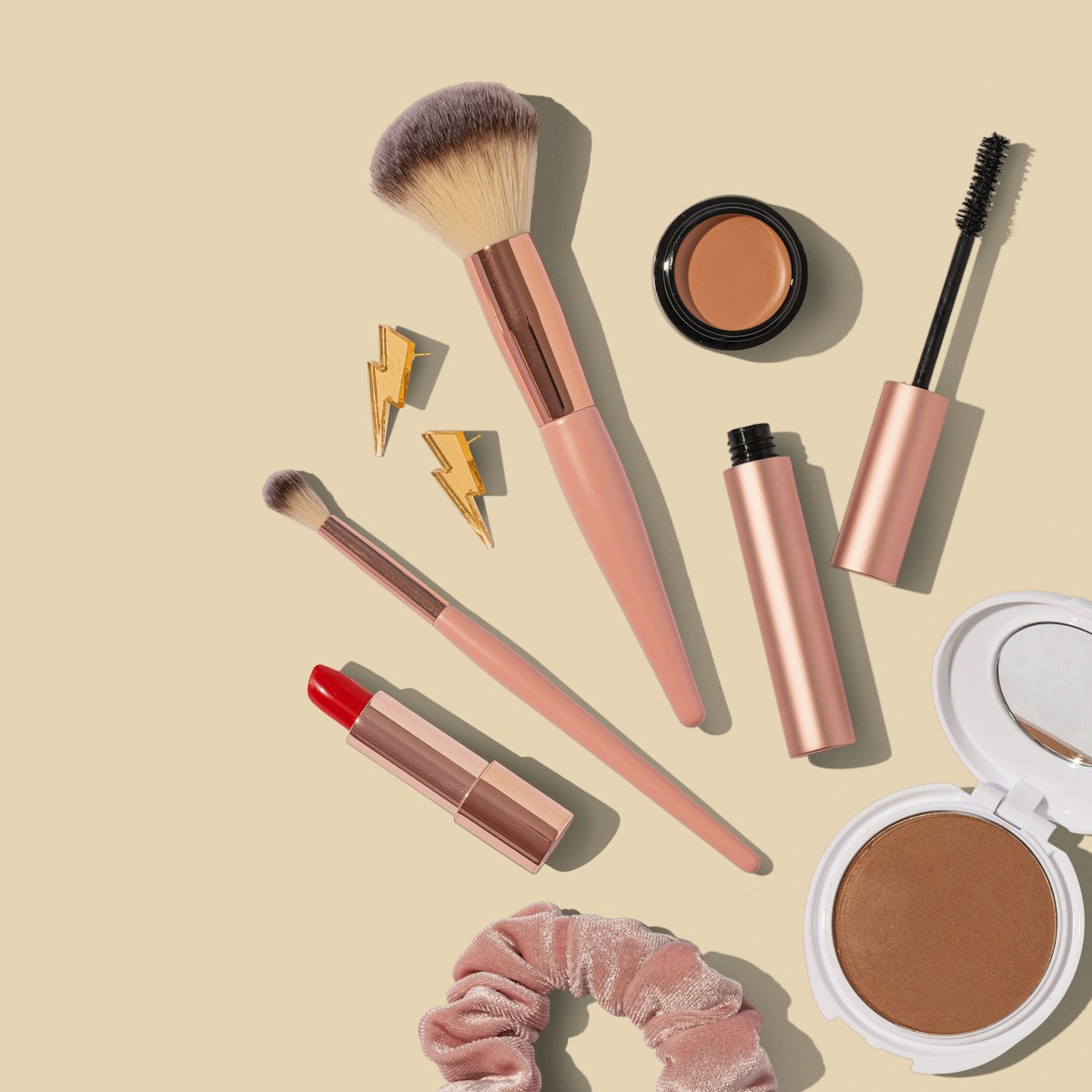
Beauty
Keep packaging color and texture accurate while changing surfaces, props, and seasonal palettes.
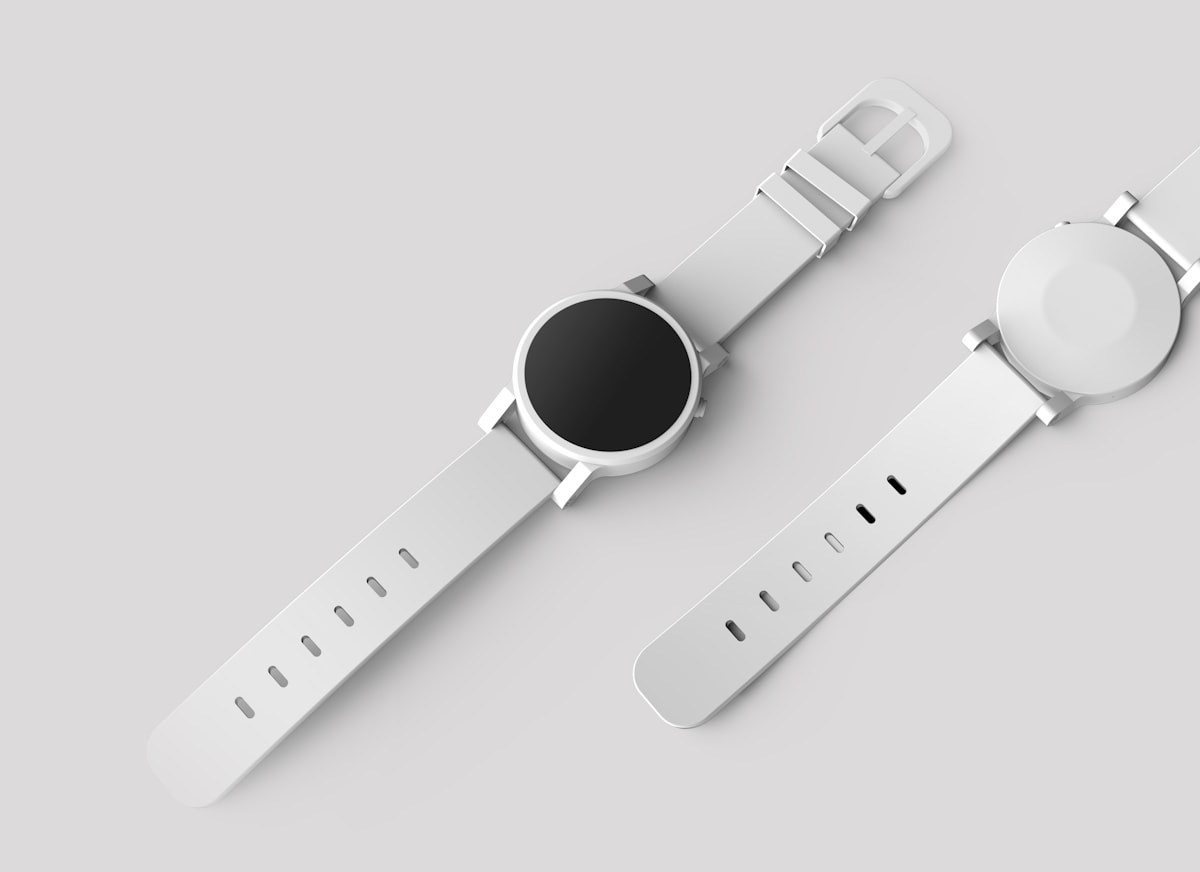
Accessories
Preserve metal, glass, and stitching while testing new backdrops for PDP and ads.
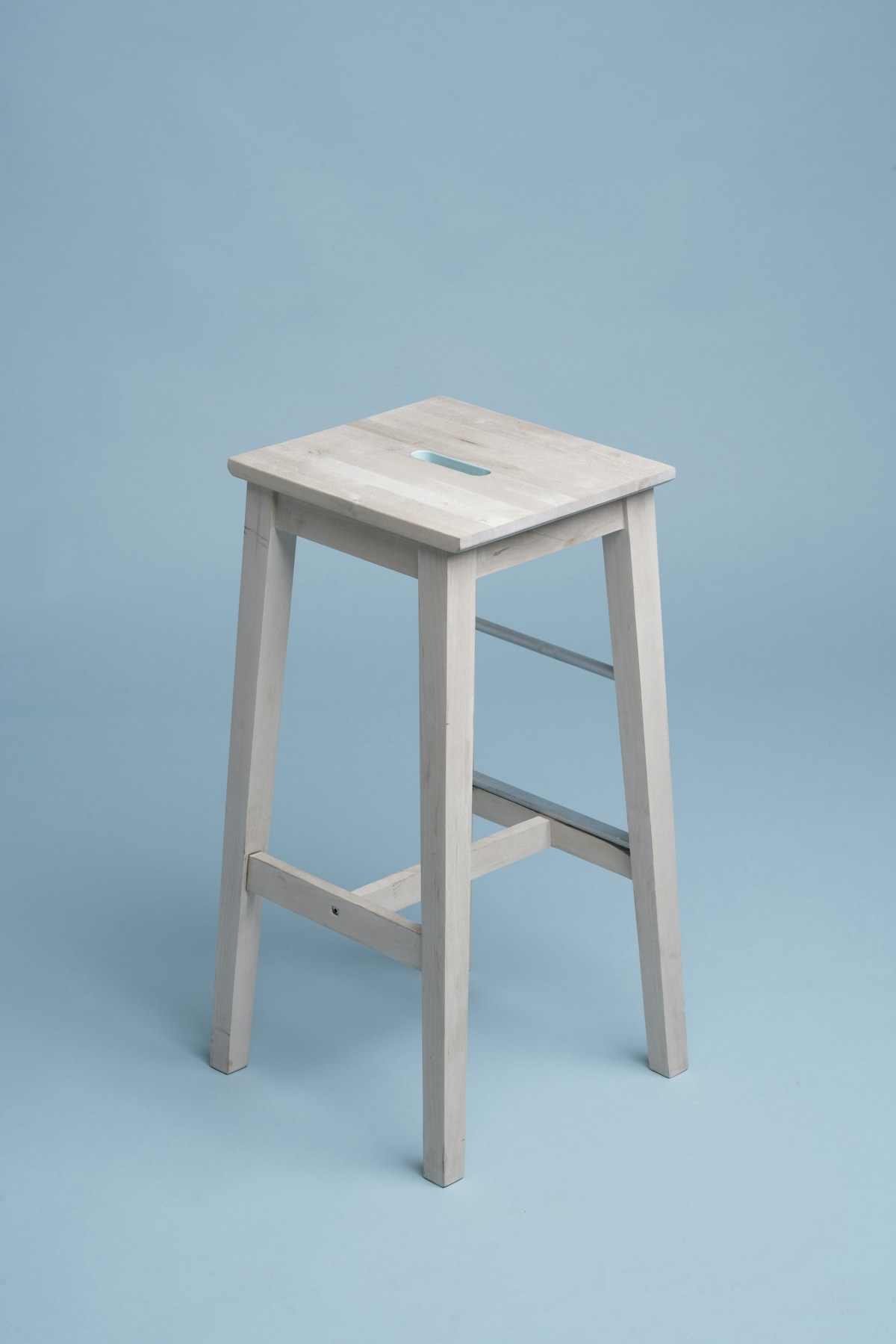
Home
Hold proportions and materials steady when you restage a stool, lamp, or tabletop item.
Simple workflow
ProductPhoto keeps the process direct: write a bounded prompt, open the studio, and refine only what still looks off.
01
Include shape, materials, label details, and the angle customers should recognize on the PDP.
02
Specify background, light, shadow, and crop. Say what must not change so the SKU stays stable.
03
Check edges, typography, and scale, then send a smaller follow-up prompt instead of rebuilding the whole shot.
Prompt recipes
Good prompts separate the requested scene from the details that must remain fixed. Use these starters, then name your product.
Useful for marketplaces and product detail pages.
Useful when you need a new campaign without another shoot.
Useful when a square source needs room for copy.
One brief, more placements
Adapt one SKU to more commercial contexts without making every output look like the same template.
Prepare consistent hero images, variant angles, and detail crops for product grids.
Create seasonal sets and portrait crops while keeping the product identity intact.
Align color, scale, and background treatment so shoppers can compare items quickly.
Built for controlled iteration
ProductPhoto is built for catalog work, not generic art. The studio workflow is simple: prompt, generate, and continue in the workspace.
Tell the model which geometry, packaging, logo, and color must stay consistent across variants.
Direct background, lighting, props, and crop without a node graph or a retouching suite.
Start with a prompt on this page, then open the ProductPhoto workspace to generate and refine.
Common questions
Practical answers for ecommerce teams evaluating a faster catalog, ad, and marketplace workflow.
It generates selling images from a text brief. You describe the SKU, set, and light, then review outputs before publishing.
It can cover extra angles, backgrounds, and campaign variants. Keep a source photo or 3D reference when packaging accuracy is legally sensitive.
Clear prompts that name shape, label, color, and camera angle improve consistency. Always review geometry before you ship a listing.
Yes. Ask for the background, crop, and shadow each marketplace expects, then confirm the result against that channel's image rules.
No. Describe the shot in plain language and state what must not change. The workspace is built for operators, not compositors.
Name the product, materials, angle, background, lighting, and invariants such as logo placement and label text.
Ask for a readable label and review every character against the approved artwork before commercial use.
A generic generator optimizes for pretty scenes. This workflow prioritizes SKU consistency, catalog crops, and ecommerce constraints.
Yes. Open the studio from this page. Generation limits or credits may apply after the trial depending on your plan.
Yes. Continue in the workspace, upload a source, and describe the change you need around the existing product.
Review ProductPhoto terms, your trademark rights, and marketplace policies before publishing any commercial asset.
The generate button opens the ProductPhoto studio with your prompt filled in, so the work continues in the workspace instead of a pricing page.
Start your next catalog image from a prompt
Write the shot, open the ProductPhoto studio, and keep iterating until the SKU looks right.